
Compare CanadaBuys Registration Help in Toronto
Compare official self-service, government support and independent Toronto registration help for CanadaBuys using current steps, limits and verification questions.
Dayal Tony
Contributor

Compare CanadaBuys Registration Help in Toronto
A Toronto supplier can register through the official CanadaBuys path, use official government support when the platform is the problem, or hire an independent advisor to organize business information and readiness. Those routes solve different problems. Paying a consultant does not create a faster government lane, eligibility or an award.
The process changed recently. CanadaBuys announced on July 6, 2026 that the Supplier Registration Information system had been decommissioned. Current supplier registration uses SAP Business Network, the Government of Canada questionnaire and a Canada Revenue Agency business number. Old SRI instructions should not control a new registration.
Confirm the current supplier registration path
CanadaBuys’ current registration page says businesses must register before bidding on tender opportunities posted by Public Services and Procurement Canada. It directs suppliers to create an SAP Business Network account, complete the required Government of Canada questionnaire and have a CRA business number.
The related step-by-step guide, last updated April 17, 2026, warns that a business should have only one SAP Business Network account per CRA business number and says duplicate-account issues should be taken to the CanadaBuys Service Desk. It also directs suppliers to enter the correct legal name and head-office address and explains the required company-profile information.
| Current component | Purpose | Source of truth |
|---|---|---|
| SAP Business Network account | Supplier account used for PSPC opportunities and related functions | CanadaBuys registration link and SAP terms |
| Government questionnaire | Required federal supplier questions before bidding | Current questionnaire in the account |
| CRA business number | Government business identity requirement described by CanadaBuys | CRA records and current CanadaBuys instructions |
| Company profile | Business, category, service-location and contact information | Supplier records and current platform fields |
| Tender requirements | Opportunity-specific eligibility and submission rules | Current tender documents |
Compare the three help routes side by side
| Route | Best fit | Strength | Limit |
|---|---|---|---|
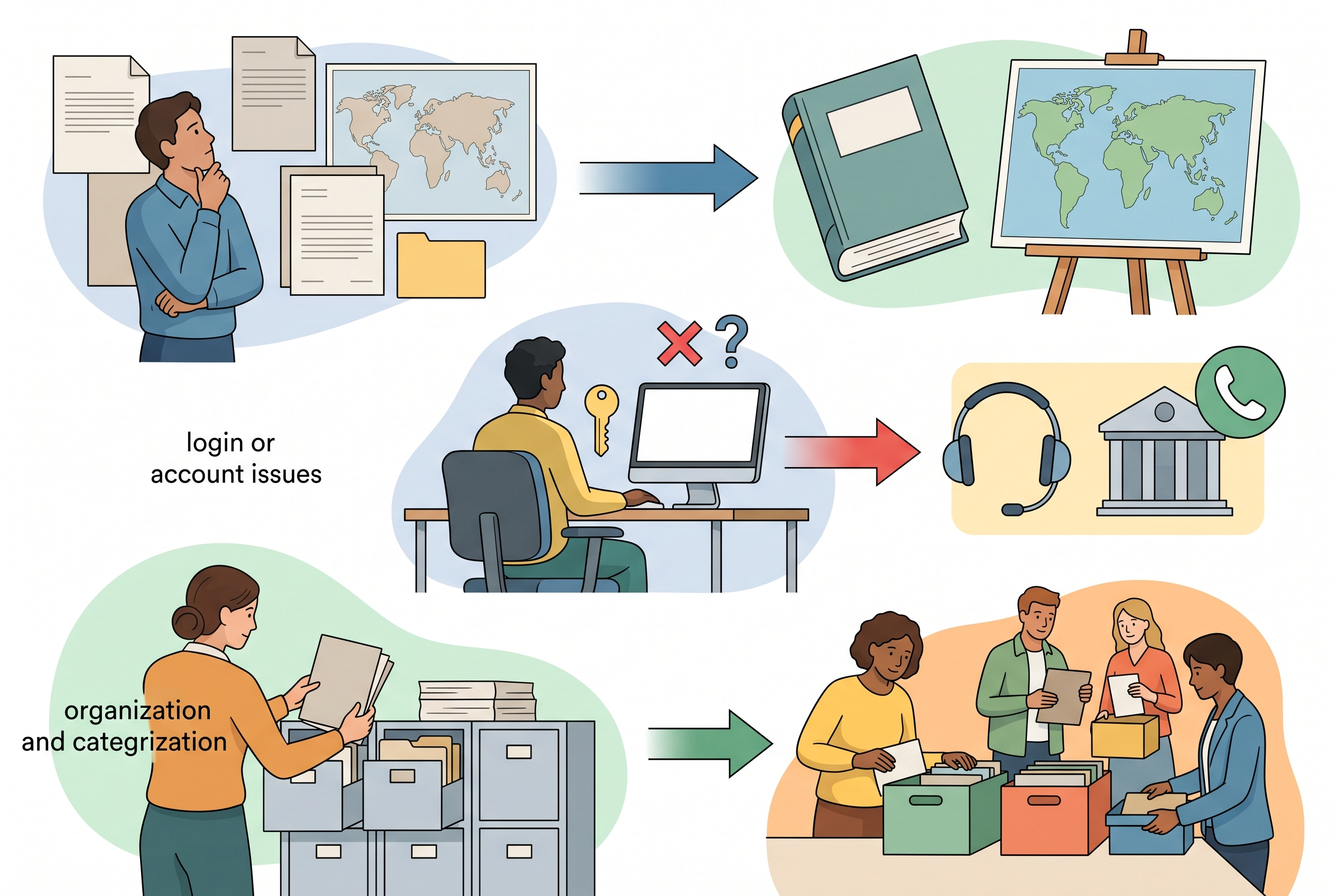
| Official self-service | Organized business with a designated account owner | Direct use of current official instructions | The business must interpret and enter its own data |
| CanadaBuys official support | Login, activation, duplicate account, questionnaire or platform issue | Authoritative platform support path | Does not write the company’s business case or guarantee eligibility |
| Independent Toronto advisor | Business-side document gaps, category research or coordinated setup | Hands-on preparation and project management if clearly scoped | Cannot approve registration, act as government or promise contracts |
The routes can be combined. A consultant may help organize the inputs, while the business account owner enters or approves them and the Service Desk resolves a technical problem. Keep responsibilities written so the business knows who controls credentials, data, submissions and updates.
Option one is official self-service
Self-service is usually the most direct fit when the company already has consistent legal records, a working email account and a person who will own the profile. CanadaBuys says the SAP Business Network account is free. A supplier should enter through the link on the official registration page so Public Services and Procurement Canada is connected correctly.
Prepare before opening the form
- legal business name and head-office address as held by CRA;
- CRA business number and access to the responsible records;
- main account administrator’s name, email and secure contact information;
- business description, employee count and other required profile fields;
- accurate product and service categories;
- ship-to or service locations;
- shared business email for orders or notices where appropriate;
- internal approval for any optional diversity or sustainability information.
The business should save evidence for every answer, record the registration date and assign a backup administrator if the platform permits. Do not use an employee’s personal email if the business may lose access when that person leaves.
Who it fits: a supplier comfortable following current guides and maintaining its own profile. Trade-off: the account owner must research ambiguous categories and resolve data inconsistencies before submission.
Option two is CanadaBuys official support
CanadaBuys’ registration page directs suppliers to its Service Desk by phone, email or chat for questions. Public Services and Procurement Canada also provides current procurement-assistance routes and learning events. In June 2026, that page announced closure of the former national telephone InfoLine and directs procurement-process inquiries to current email and event resources.
Use official support when the blocker belongs to the official system or process:
- the system identifies a possible duplicate account;
- activation or login fails;
- the legal company name cannot be corrected through the visible fields;
- the questionnaire is missing or will not submit;
- a required field or role is unclear;
- you need the current official meaning of a platform step.
Before contacting support, save the exact error, time, browser context and account identifiers that can be shared safely. Never send a password. The Service Desk can address platform issues; it does not decide whether a supplier meets every future tender requirement or write the supplier’s bid.
Who it fits: any supplier facing an official-system blocker. Trade-off: the business still owns the accuracy of company information and opportunity decisions.
Option three is independent Toronto registration help
An independent advisor can be useful when the blocker is not the form itself but disorganized business records, unclear categories, missing evidence, lack of time or uncertainty about how registration connects to bid readiness. Canada Business Solutions’ owned website presents CanadaBuys registration and procurement support as independent consulting services.
That first-party statement does not establish government authorization, a registration success rate, procurement credentials or contract results. Ask what work is actually included:
| Scope question | Why it matters |
|---|---|
| Do you advise, prepare inputs, or enter data? | Defines responsibility and access |
| Who owns the administrator email and login? | Protects long-term account control |
| How are legal name and CRA data verified? | Reduces inconsistent records |
| How are categories selected and documented? | Prevents overbroad or inaccurate profile claims |
| What is the deliverable? | Clarifies whether the service ends at setup, a checklist or training |
| What support is excluded? | Separates registration from bid writing, legal or tax work |
| What are the fee, refund and correction terms? | Creates a clear commercial agreement |
Who it fits: a Toronto-area business that wants hands-on organization or training and has verified the provider’s scope. Trade-off: it adds a fee and third-party data exposure, while official approval and tender decisions remain outside the advisor’s control.
Protect the business account and supplier data
- Use a business-controlled administrator email. Do not let a consultant become the only person who can reset access.
- Keep credentials private. Use screen sharing or delegated roles where available instead of sharing passwords.
- Approve every answer. The business must understand claims made under its name.
- Store the evidence. Keep current legal, category, location, ownership and certification support.
- Record optional disclosures. Decide internally who may approve diversity or sustainability information.
- Plan handoff. Obtain a completed checklist, account map, open issues and maintenance owner.
- Review the profile. Update contacts, categories, capacity and other time-sensitive information.
Registration is only the platform foundation. CanadaBuys’ preparing-to-sell guidance distinguishes registration from finding opportunities, prequalification, programs, security and controlled-goods requirements. A completed profile does not make a supplier eligible for every tender.
Common registration mistakes and service red flags
- Following an old SRI tutorial: SRI was decommissioned in July 2026.
- Creating a duplicate account: check whether the CRA business number is already associated with one.
- Using inconsistent legal data: verify the CRA record before entry.
- Choosing every category: use accurate product and service categories the business can support.
- Giving away administrator control: keep access with the business.
- Calling registration “approval to bid on everything”: each opportunity has its own rules.
- Believing a government-affiliation claim: verify the provider; independent consultants are not CanadaBuys.
- Paying for a guaranteed outcome: no advisor can guarantee registration acceptance, eligibility or a contract.
Frequently asked questions
Do Toronto businesses use a separate CanadaBuys registration?
No separate Toronto supplier path is described in the current federal guide. Toronto affects the business’s address and local support preference, not the official SAP Business Network process.
Is CanadaBuys supplier registration free?
The official CanadaBuys page describes registration for a free SAP Business Network account. Independent advisors may charge for their own preparation or support services.
Do I still need Supplier Registration Information?
CanadaBuys announced that SRI was decommissioned on July 6, 2026 and no longer accepts registrations or updates. Follow the current SAP Business Network guidance.
Does registration guarantee that I can submit any bid?
No. Registration is one step. A supplier must review the current tender, any prequalification, security, controlled-goods, capacity and submission requirements.
Choose help by the actual blocker
Write down whether the problem is process understanding, a platform error or business-side preparation. Start at the official guide, escalate official-system issues to CanadaBuys and evaluate independent help only with a clear scope and account-control plan.
Sources reviewed
- Canada Business Solutions official website and service pages — first-party independent support context only; no government affiliation or outcome inferred.
- CanadaBuys registration guide and step-by-step SAP Business Network guide — current official registration requirements and workflow.
- CanadaBuys July 6, 2026 supplier-registration change notice — SRI decommissioning and current direction.
- PSPC procurement assistance and CanadaBuys preparing-to-sell guidance — official support and broader readiness context.